I haven’t quite found the time to write up my experience at the Adobe MAX designer/developer conference, but here’s a digest of my Twitter posts. As usual, photos are on Flickr.
Sunday
- Watched a nearly-full moon set into the cloud layer behind the LA skyline on my way to Adobe MAX.
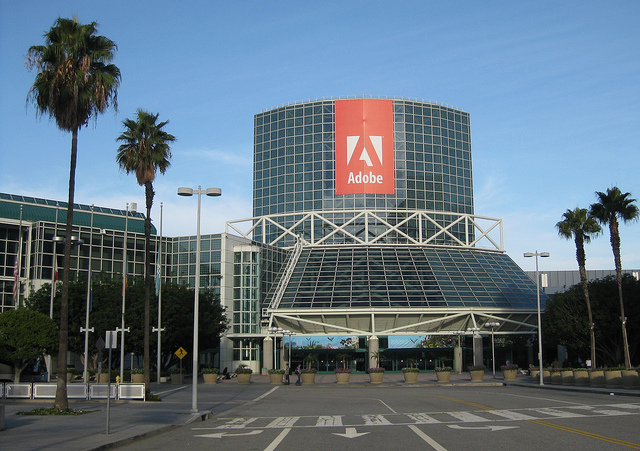
- Obligatory pic of Adobe MAX entryway.
Monday
- Made it to the keynote just as, I kid you not, Martha Stewart took the stage.
- Nice demo of dynamically wrapping text around image content (not box), to be contributed to Webkit.
- Content aware fill demo on a tablet – “performing witchcraft” on the progress bar label.
- Multi device link: iPad as classic color palette mixer for desktop Photoshop.
- Blackberry Playbook approach: don’t dumb down the Internet for mobile devices, bring up the performance of the devices.
- Green Hornet game demo: same app running on desktop & touch screen phone, auto-detecting input methods.
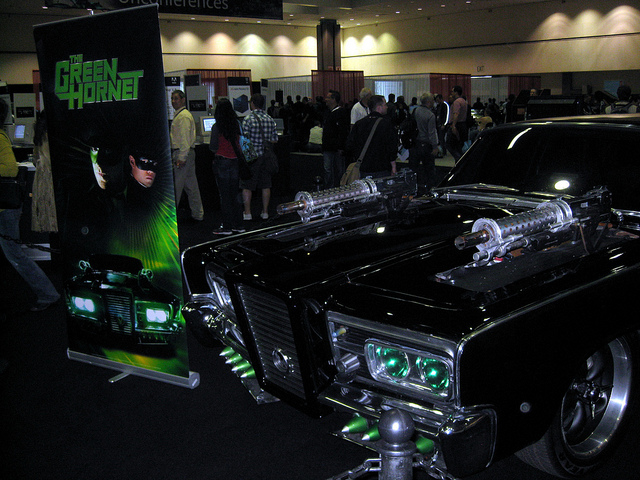
- The Green Hornet car. I wasn’t expecting overlap between a tech conference and Comic-Con
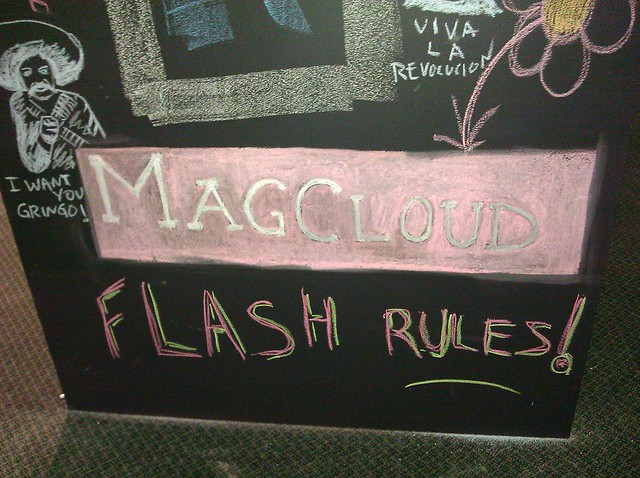
- Something else Adobe MAX has in common with Comic-Con: Flash fans.
Tuesday
- When I got here, the line for Starbucks was about 5 people. Now I can’t see the end.
- Managed to scarf down a sandwich from Starbucks before the evening session. Interesting mix of tech crowd & Lakers fans.
- Ok, I am officially a geek. I ranked 7th in a phone-powered Star Trek trivia contest with several hundred people at a tech conference.
- And then tweeted about it.
- Adobe MAX sneak peeks’ method of keeping people from going too long: A Klingon with a phaser creeping across the stage.
- Very cool demo of auto-converting long video to a tapestry for better scene selection.
- Nifty Photoshop demo: post process photo based on a model. “what if this photo had been taken by Ansel Adams?”
- Nice! Automatically compensating for camera motion blur!
Wednesday
- Gotta love LA traffic. I left for Adobe MAX 40 minutes earlier than yesterday and arrived at the same time – too late for my 8:30 lab.
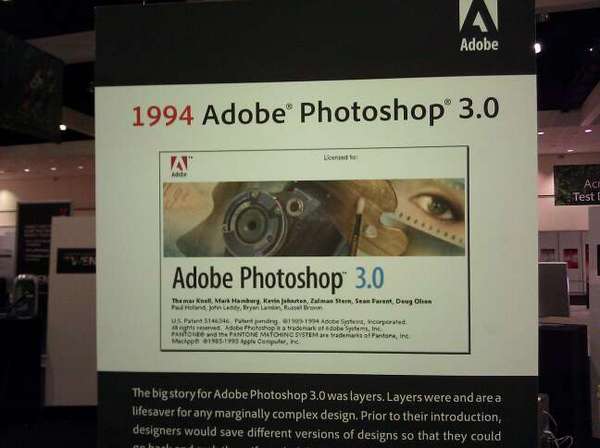
- Funny how you can get nostalgic for your first version of Photoshop. (Sadly, 2.5 is missing.
- MAX is definitely less crowded today. No problems finding a table for lunch, and the cell & wifi networks are a lot less congested.